
Geography
Flags, countries, hello words, capitals and the world map.
2 games
An iPad app for ages 3 to 6
Maestri World is a little town of 22 learning games. Your child drives a crane to count, codes a robot home, paints the flags of the world and finds out what washing does to germs. Every word is spoken, and mistakes are part of the fun.
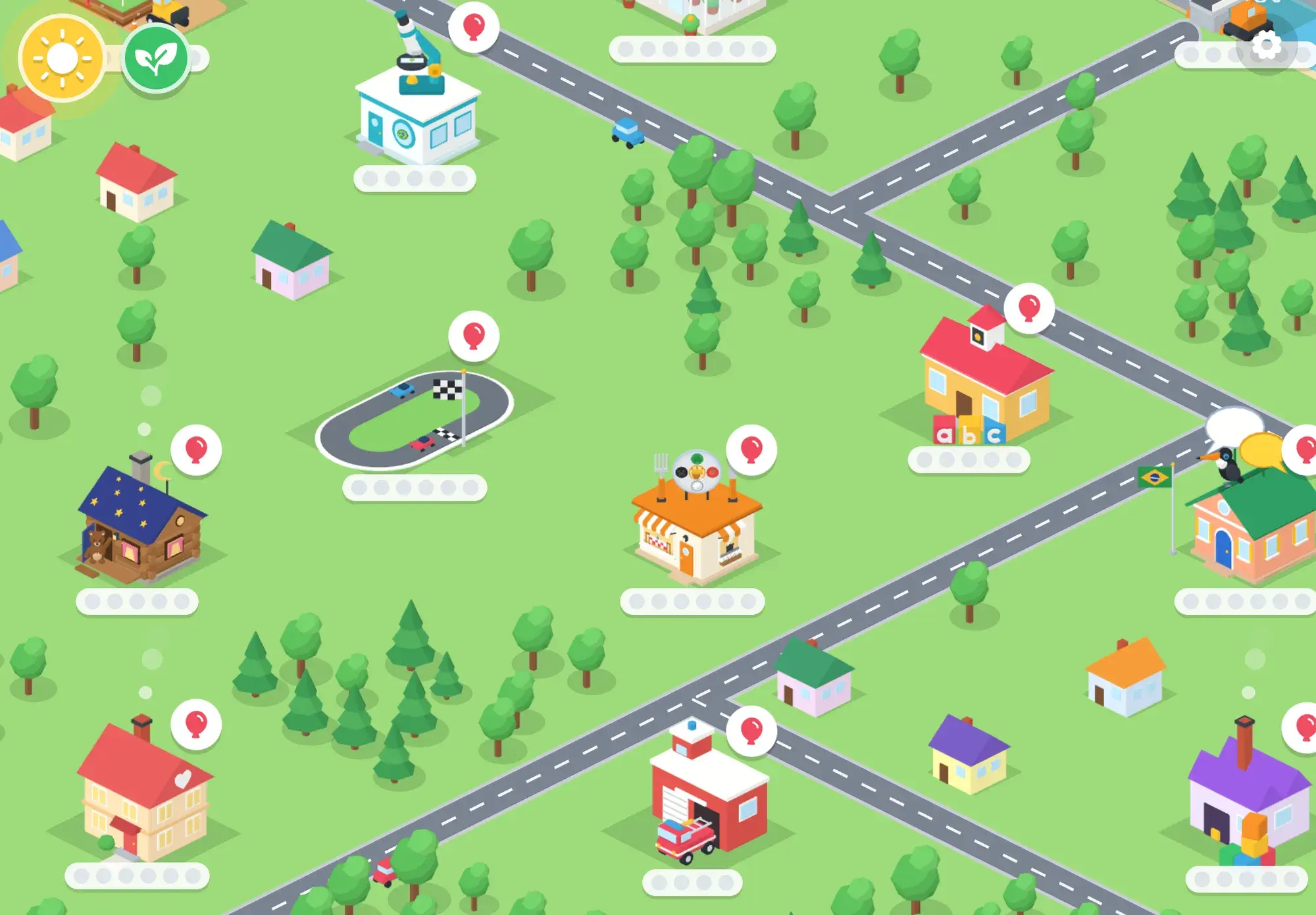
Why kids love it
Every instruction, name and hint is said out loud, and a tap plays it again. Buttons are pictures, so a 3-year-old can play alone.
No lives, no red crosses, no timers that run out. A wrong try is part of the game, and sometimes it is the funniest part.
Each game moves up after a couple of clean rounds and gives more help after a hard one. Nobody has to pick a level.
Games open by age, at three, four or five. Each child has their own progress, and a parent can show or hide any game.
Today's trip brings back what was learned anywhere in the app. When time is up, the break screen gives a mission to do at home.
No ads. Progress stays on your iPad, it works offline, and the parent area sits behind a grown-up gate.
Variety of learning games
Reading and numbers sit next to coding, science, building, music, a second language and the everyday habits that matter just as much at this age.
Flags, countries, hello words, capitals and the world map.
2 games
Letter sounds in phonics order, tracing, first words and little books.
2 games
Counting, the number line, making numbers, patterns and early money.
7 games
Sequences, debugging, loops and functions with arrow blocks.
3 games
Microscopes, germs, plants, motion and the science of sleep.
6 games
Build it, test it, fix it: bridges, diggers and blocks.
4 games
Shapes, turning, building from photos and seeing the other side.
4 games
Food, handwashing, teeth, routines and sleep.
4 games
Planning, needs and wants, manners, money and helping others.
6 games
First words and little sentences in another language.
2 games
Beat, rhythm, high and low, and bands from around the world.
1 game
All 22 games
Browse the whole town.
Inside the games
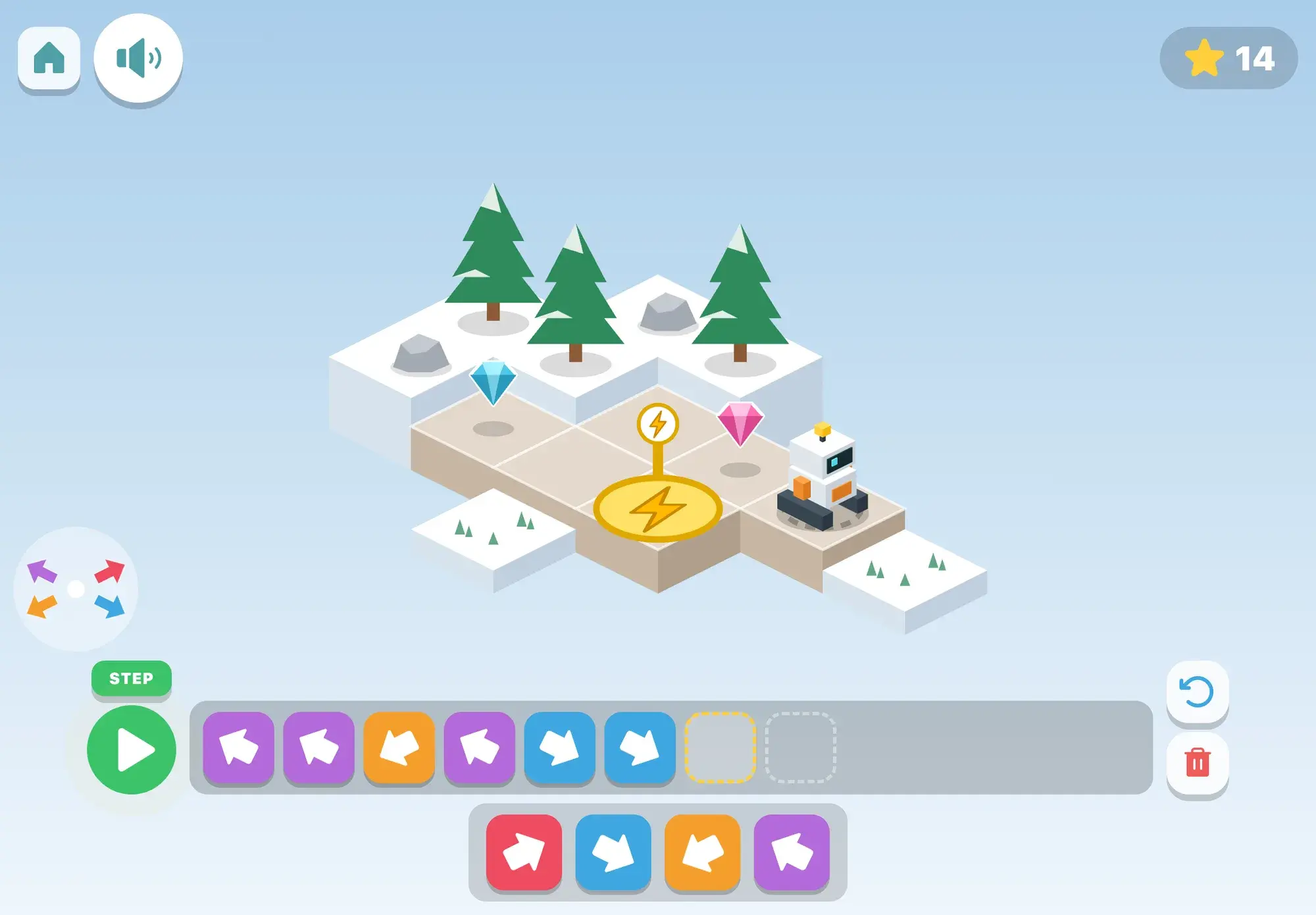
Coding
Your child builds programs from picture blocks to drive Beep the robot home to its charger: arrows first, then repeat loops, turns and a magic block.
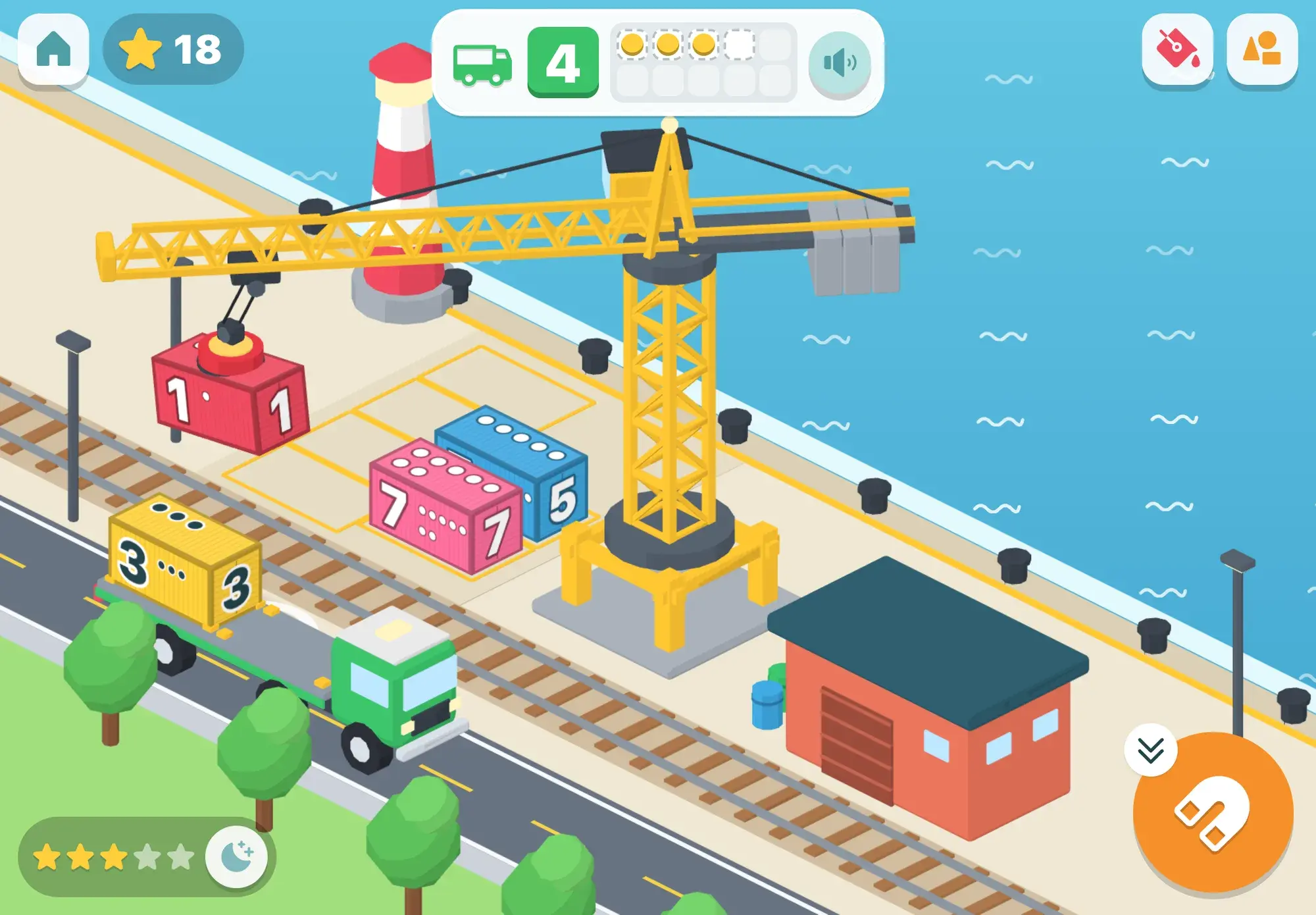
Math
Kids 3 to 6 drive a big yellow crane, loading numbered containers onto trucks, ships and trains to count, compare, add, make patterns and meet teens.
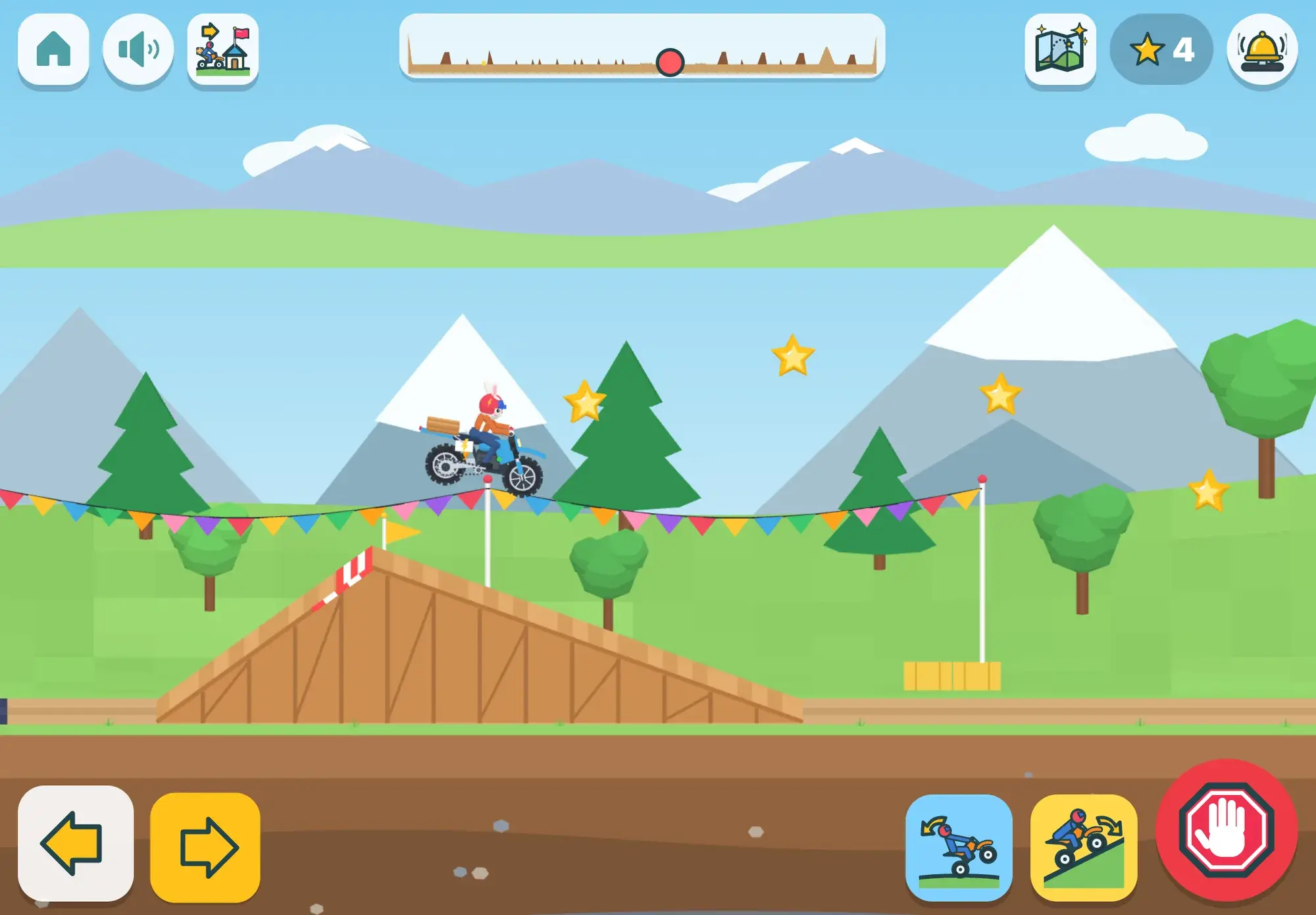
Science
Your child rides a little electric dirt bike through a valley making deliveries, and finds out how hills, mud, ice, heavy loads and speed change the ride.
Geography
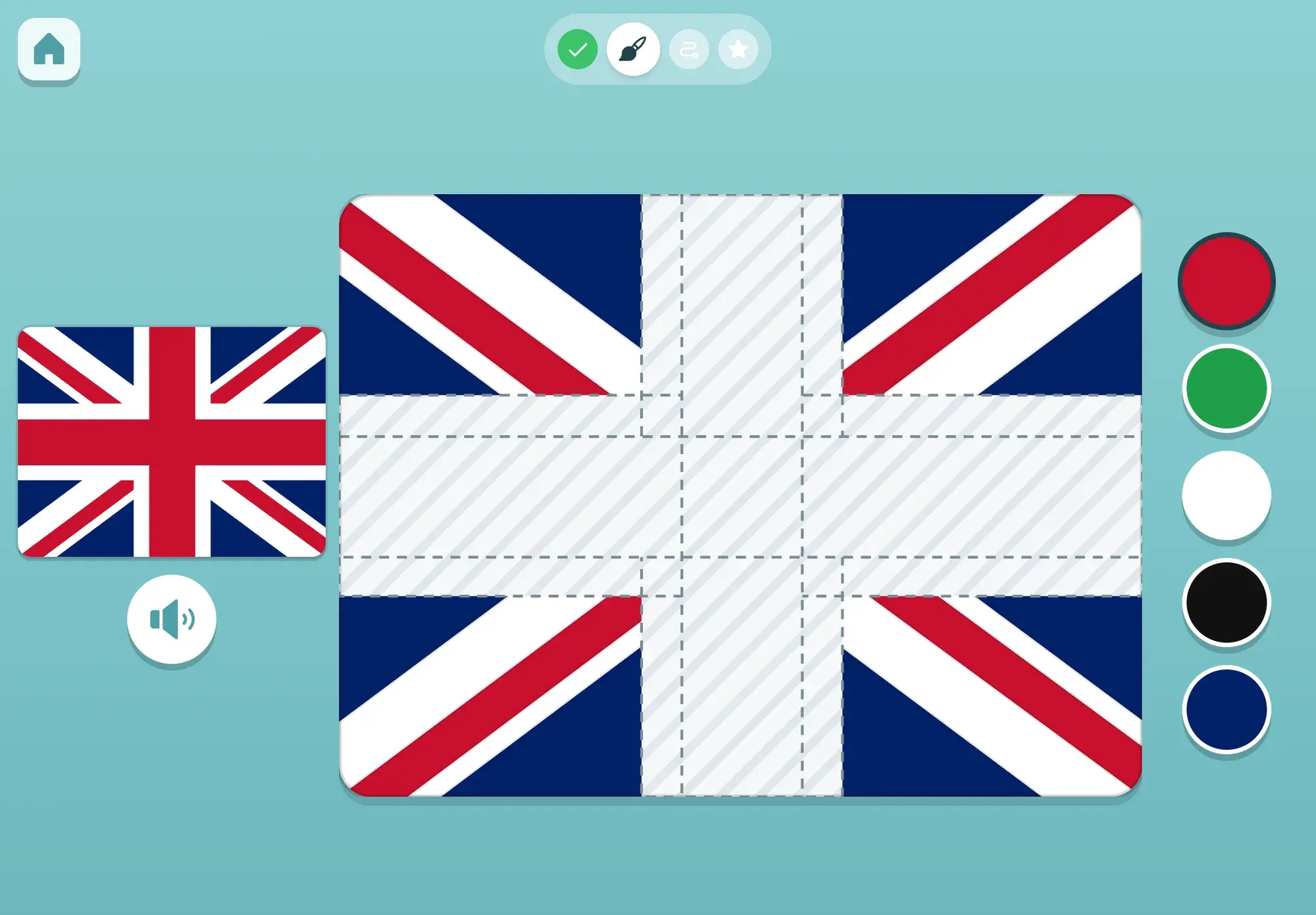
A spoken world trail for kids 3 to 6: meet a country in photos, paint its flag, guide a puppy there with arrow blocks, then answer a quick quiz.
By age
The town opens new buildings as your child gets older, worked out from their birth month. Games for older kids wait as building sites until then.
First sounds, first numbers, first flags. All spoken, all tap.
11 games open
Coding with arrows, the airport, the microscope and more.
18 games open
Bridges, the warehouse, the plant lab and the adventure planner.
22 games open
The top of every ladder: loops, functions, look-alike flags.
22 games open
Looking for a stage rather than an age? See preschool learning games and kindergarten learning games.
A few minutes a day
Learning sticks when it comes back. Maestri World builds that into the day without nagging.
The sun above the town opens a short daily mix of things learned anywhere in the app, with the ones due for review first.
Today's trip grows the garden. Waiting for a bigger reward is part of the game, and the flowers show it.
When the session a parent chose is over, the break screen gives a small mission to do away from the screen.
For parents
Behind a grown-up gate, the parent area shows the week at a glance, what each game is teaching, what is tricky right now and how quickly answers come. There are no streaks and no red counts, just a calm picture and a few suggestions.
What parents getEach child has their own progress and age-matched town.
You choose how long a session lasts.
Pace per subject, what is remembered a week later, what is tricky.
Progress lives on the iPad. Export a backup any time.
Children between three and six learn by doing: stacking, sorting, pretending, asking why. They also cannot read yet, which rules out most of what is on an app store. Maestri World starts from that. Nothing on screen needs reading, every game is a place in a town your child already knows, and every idea is something to do with their hands: load a crane, lay a plank, focus a microscope.
The games aim at real skills that last beyond the screen. Letter sounds come in a phonics order so words can be sounded out early. Numbers come as things to count, carry and compare. Coding is planning steps, running them and fixing what went wrong. Science starts from a question your child can answer by looking.
In Italian, maestri are teachers: the people who help children take their first steps in reading, numbers and the world. In Maestri World, the friends your child meets, like Bo the bear, Beep the robot and Tuca the toucan, help along the way, and sometimes your child gets to be the one who knows best.
The crown in our logo is the reward kids collect in the games. It sits on top of the world because that is where every new country, sound and number takes them.
Our storyGuides for parents
How 3–6-year-olds can learn sequencing, debugging, loops and functions before they read, with floor games, arrow cards, robot play and picture-based apps.
Read the guide
Simple math games for 3–6-year-olds: counting objects, a straight-line board game, ten-frames, making ten, comparing, sorting and patterns, with age tips.
Read the guide
How to teach preschoolers healthy eating, handwashing and good sleep through everyday play, with what the main health guidelines say.
Read the guide
FAQ
An iPad app with 22 learning games for children aged about 3 to 6. The home screen is a little 3D town, and each building is a game: phonics, numbers, flags and countries, coding, science, building, music, a second language and everyday habits.
No. It is made for children who cannot read yet. Everything is spoken, every button is a picture, and children find their games by what the buildings look like.
About 3 to 6. Most games open at three, some at four and the most demanding at five, based on the birth month a parent enters. A parent can open or hide any game.
There are no ads, progress is stored on the iPad, and the parent area is behind a gate: hold the gear, then solve a written sum a pre-reader cannot guess.
A parent sets the session length. When it is up, a break screen gives your child a small mission to do in the real world. The parent area shows time played, with no streaks to keep up.
Letter sounds in phonics order, counting and the number line, flags and countries, steps in order and fixing mistakes (early coding), how bridges hold, what germs do, why sleep matters, and first words in Portuguese, among much more.
Spoken from the first tap, no reading needed, no ads, and progress that stays on your iPad.